Slope Unblocked
This page is for anyone who wants to play Slope unblocked in a browser, at home or on a school or work computer whose network allows the site. Press Play on the frame above and the game loads from slope100.com in a few seconds, with nothing to install and no account. Your best score goes on the leaderboard beside the game.
| Game | Slope, the same version as the Slope100 home page |
|---|---|
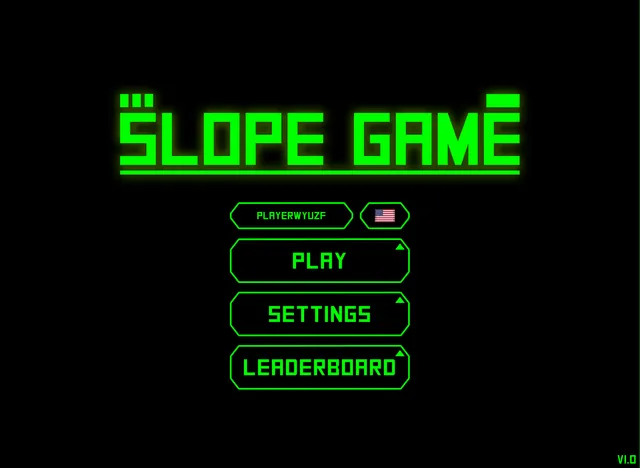
| Version here | V1.0, as shown in the game menu (not Y8's build) |
| Install or account | Neither; the game runs in the browser |
| Game files | About 18 MB, all from slope100.com |
What does Slope unblocked mean?
"Slope unblocked" is what people search for when they want to play Slope, the 3D ball game, on a computer where a school or workplace filters websites. An unblocked game site is an ordinary website that a given filter lets through.
No site can promise that for every network. The people who run a network decide what its filter allows. We have not tested slope100.com on school networks, so follow the rules of your school or workplace. This page covers the Slope game on slope100.com and how to get it running; it does not cover other Slope games or ways around a filter.
The game files for this page are stored on slope100.com itself. In our test on November 13, 2026, no request from the game went to any other website. The files add up to about 18 MB, and the game menu appeared about 4 seconds after we pressed Play.
How to play Slope unblocked
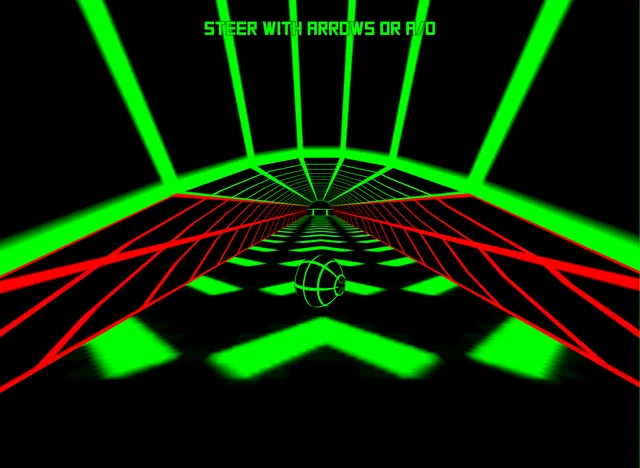
Press Play on the frame at the top of the page, then PLAY in the game menu. The ball rolls by itself, and you steer it with the arrow keys or A and D to keep it on the road and off the red blocks. The full guide is on the Slope100 home page: every key we tested, what ends a run, how the score works and tips from our test runs.
Slope100 leaderboard
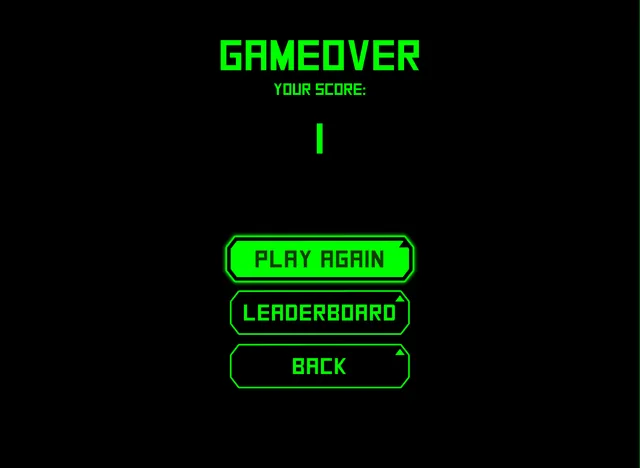
Scores from this page go on the same Slope100 leaderboard as the home page, beside the game. The top 100 are on the Slope100 high scores page. For Y8's own build of Slope, with its Login button and Credits screen, open Slope Y8.
If Slope will not load
- Give it a few seconds. In our test the menu took about 4 seconds to appear.
- If the frame stays black, check that WebGL is on in your browser. The game is a Unity WebGL build, and Unity lists the browsers it supports on its browser compatibility page.
- If slope100.com itself does not open, the network is blocking the site, and nothing on this page can change that. Ask the people who run the network, or play from home.
- For a bigger view, use the Fullscreen button under the frame.
Slope unblocked FAQ
Is Slope unblocked free?
Yes. Slope on this page is free to play in the browser, and you do not sign up for anything. The game gives you a player name, and you can change the name the Slope100 leaderboard shows.
Can I play Slope unblocked at school?
That depends on your school's network. The game files come from slope100.com, so a filter that lets the site open does not have to allow a second website for the game. We have not tested school networks and cannot promise access, so follow your school's rules.
Is this the original Slope game?
Slope is Rob Kay's game, published by Y8 in 2014. This page runs another build of it: the menu reads SLOPE GAME and V1.0, and it has no Y8 buttons or Credits screen. Y8's own build is on the Slope Y8 page.
Last checked: .